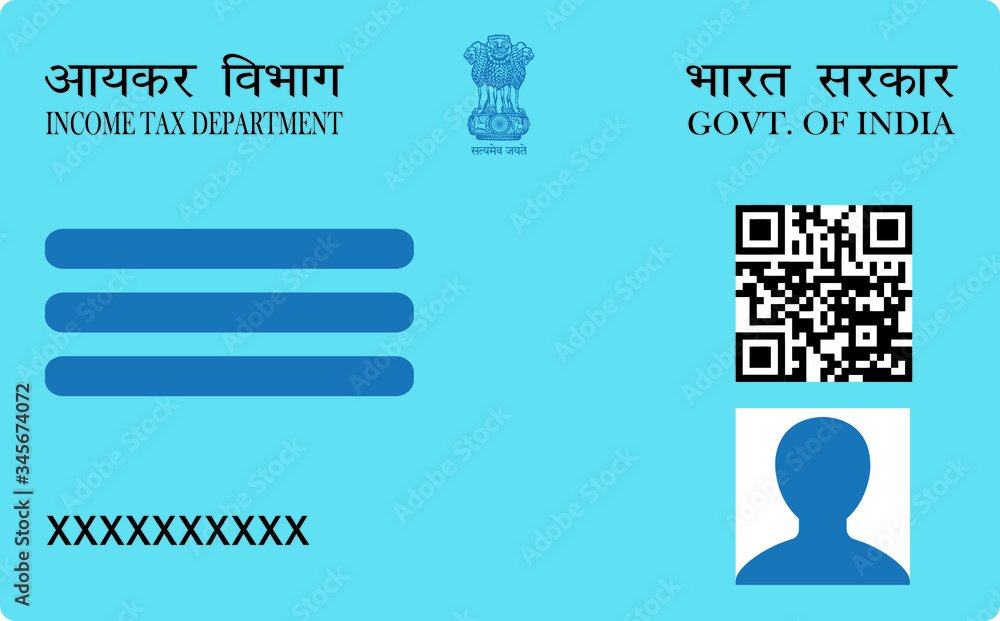
To change the photo or signature on your PAN card you submit the PAN correction form — officially Request for New PAN Card or/and Changes or Correction in PAN Data — through NSDL or UTIITSL. The new photo must be a JPEG under 50 KB and the signature a JPEG under 20 KB — the same limits as a first-time application.
What You Need Before You Start
| Item | Requirement |
|---|---|
| New photograph | JPEG, under 50 KB, white background, passport proportions |
| New signature | JPEG, under 20 KB, black or dark blue ink on plain white paper |
| Your PAN number | Exactly as printed on the existing card |
| Proof of identity & address | PDF, under 300 KB (not required if you use Aadhaar e-KYC) |
| Fee | A processing fee applies and differs for Indian and foreign addresses. Check the current amount on the portal before paying — it is revised periodically. |
Resize both files before you open the form. Use the PAN card photo resizer for the photograph and the signature resizer for the signature. Both run in your browser, so neither file is uploaded to any server.
The Checkbox That Decides What Actually Changes
This is the part that costs people a second application, and it is not obvious from the form itself.
The correction form lists every PAN field — name, father’s name, date of birth, address, photograph, signature — and each row has a small check box in the left margin. The portal only processes the fields whose box you have ticked. Filling a field is not enough. If you upload a new photograph but leave the photo box unticked, your application is accepted, your fee is taken, and a reprinted card arrives with the old photo still on it.
The rule runs the other way too, and this catches people who only wanted a replacement card. If your PAN details are all correct and you simply need a fresh card — because yours was lost or damaged — you fill in the whole form and tick nothing at all. Ticking a box tells the department that field needs changing, which turns a straightforward reprint into a correction request and can pull in document verification you did not need.
So before you submit: tick the photograph row, tick the signature row, and tick nothing else unless you genuinely want that field changed.
How to Change Your PAN Photo and Signature
- Resize both files first. Get the photo under 50 KB and the signature under 20 KB, both as JPEG. Doing this before you open the form avoids a session timing out while you hunt for a resizing tool.
- Open the correction form. On NSDL, choose “Changes or Correction in existing PAN Data / Reprint of PAN Card”. On UTIITSL, choose the CSF form. Both lead to the same application type.
- Enter your PAN exactly as printed. A mismatch here rejects the application at validation, before anything else is checked.
- Tick the boxes for photograph and signature. Left margin, on those rows specifically. This is the step that makes the change happen.
- Choose your verification method. Aadhaar e-KYC with OTP is the fastest route and needs no document uploads or posted paperwork. Note the caveat in the FAQ below before choosing it.
- Upload the resized photo and signature. Both should sail through, since you sized them correctly in step one.
- Pay and save the acknowledgement number. It is the only way to track the application afterwards.
Why Photo Change Requests Get Rejected
The box was never ticked. The single most common cause. The application succeeds; the photo does not change.
The new photo does not meet the standard spec. A correction application is held to exactly the same requirements as a new one — JPEG, under 50 KB, white background, passport proportions. Many people assume a correction is more relaxed. It is not.
The signature does not match other records. Your signature on the PAN card is used for verification across banks and financial institutions. If the new signature differs sharply from the one already on file, expect scrutiny rather than a quick approval. This is not the moment to redesign your signature.
The file is a PNG renamed to .jpg. The portal reads the file header, not the extension. A renamed screenshot is rejected as an invalid format regardless of its size.
How Long It Takes
An e-PAN with the updated photo is typically available for download within a few working days of approval, and the printed card follows by post. Aadhaar e-KYC applications generally move faster than those requiring posted physical documents, because there is nothing to receive and verify by hand. Timelines vary with volume, so treat the acknowledgement number as your source of truth rather than any published estimate.
Frequently Asked Questions
Can I change only the photo without changing anything else?
Yes. Fill in the whole form, but tick only the photograph row in the left margin. Every other field stays as it is. You will still pay the standard correction fee, since the fee is per application rather than per field.
What photo size do I need to change my PAN card photo?
JPEG under 50 KB, white background, passport proportions — identical to a new PAN application. The signature must be JPEG under 20 KB. A correction request is not held to a different standard.
Will my Aadhaar photo replace my PAN photo if I use e-KYC?
It can. When you complete a PAN application through Aadhaar-based e-KYC, the photograph held in your Aadhaar record may be used on the PAN card. If your specific goal is to put a particular new photo on the card, this matters: verify at the upload step which photograph the application is actually carrying forward before you pay, and choose the non-e-KYC route if it is taking the Aadhaar image instead of yours.
Can I change my signature on a PAN card?
Yes, through the same correction form — tick the signature row. Bear in mind the PAN signature is used as a reference for verification elsewhere, so a signature that differs substantially from your existing records may slow approval.
I only want a new card, not a correction. What do I do?
Use the same form, fill every column, and tick none of the left-margin boxes. That combination tells the department your data is correct and only a reprint is needed. Ticking a box would convert it into a correction request unnecessarily.
Before you open the form, size both files correctly: the photo resizer for the 50 KB photograph, the signature resizer for the 20 KB signature, and the document resizer if you are submitting supporting documents. For the full specification, see the NSDL photo and signature size requirements.