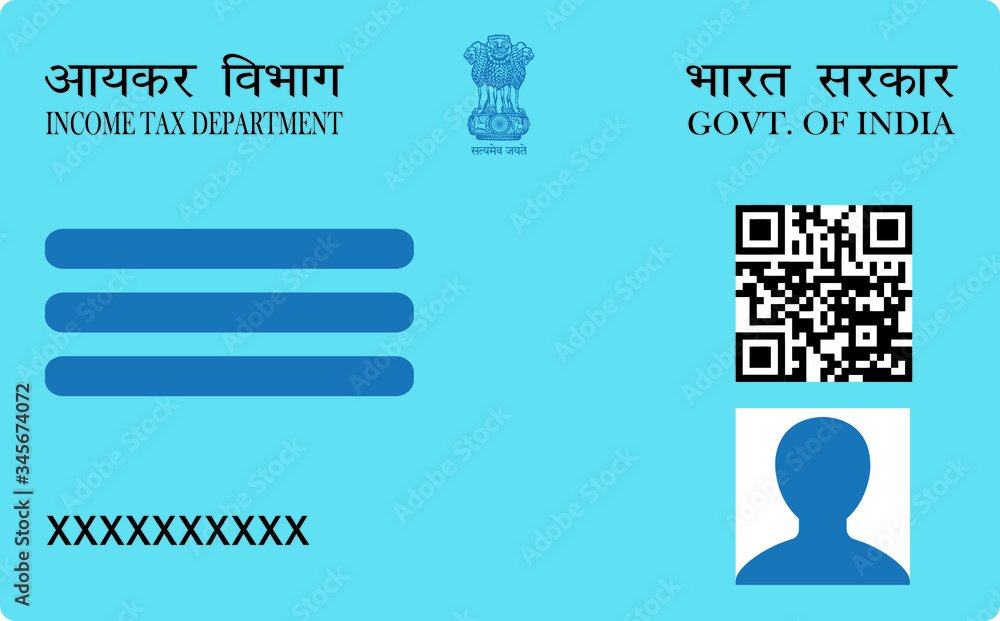
PAN details are updated online through Protean (formerly NSDL e-Governance) or UTIITSL — the two authorised PAN service agencies. You submit the change request, upload a photograph under 50 KB and a signature under 20 KB in JPEG, and verify either through Aadhaar e-KYC or by uploading supporting documents.
The Portal Mix-Up That Wastes the Most Time
Search for how to get a PAN online and you will find the Income Tax e-filing portal offering an instant e-PAN through Aadhaar. It is genuinely fast and genuinely free. It is also the wrong tool for this job.
That facility exists to allot a new PAN to someone who does not have one. It cannot modify a PAN that already exists. If you already hold a PAN and you go looking for your update option there, you will not find one — and many people conclude their PAN is somehow ineligible rather than that they are simply on the wrong portal.
Updates to an existing PAN go through Protean or UTIITSL, using the change request form. Nowhere else.
| What you want | Where it happens |
|---|---|
| A brand new PAN, instantly, via Aadhaar | Income Tax e-filing portal (instant e-PAN) |
| Update name, address, date of birth, photo or signature | Protean or UTIITSL change request |
| A replacement card, nothing changed | Protean or UTIITSL, ticking no change boxes |
What You Need Ready Before You Start
- Your PAN, exactly as printed on the card
- Photograph — JPEG under 50 KB, white background, passport proportions
- Signature — JPEG under 20 KB, dark ink on plain white unruled paper
- Supporting document — PDF under 300 KB, only if you are not using Aadhaar e-KYC
- Aadhaar-linked mobile number, if you want the e-KYC route (the OTP goes there)
Size the files first, not mid-application. Sessions time out, and hunting for a resizing tool with a half-filled form open is how people lose their progress. Use the photo resizer, the signature resizer and the document resizer — all three run in your browser, so nothing is uploaded anywhere.
Choosing Your Verification Route
| Aadhaar e-KYC | Document upload | |
|---|---|---|
| Documents to upload | None | Proof as PDF under 300 KB |
| Anything to post | No | Sometimes, depending on the route chosen |
| Speed | Faster | Slower — human verification |
| Your photograph | May be taken from Aadhaar | The one you upload |
That last row decides the choice for a lot of people. e-KYC is the faster path in almost every case — unless your whole reason for applying is to put a specific new photograph on the card, in which case the Aadhaar image may quietly replace it. Check which photo the application is carrying at the upload step before you pay.
Step by Step
- Resize your photo and signature to 50 KB and 20 KB.
- Open the change request form on Protean or UTIITSL. On Protean it appears as “Changes or Correction in existing PAN Data / Reprint of PAN Card”.
- Enter your PAN exactly as printed. A mismatch fails validation immediately.
- Tick the box beside every field you want changed. Only ticked fields are processed — filling one in is not enough. This is the single most common reason an update appears to do nothing.
- Pick your verification route — Aadhaar e-KYC with OTP, or document upload.
- Upload the resized files and pay. Save the acknowledgement number; it is the only way to track the request.
For a field-by-field walkthrough of the form itself, see what every box on the correction form actually does.
Why Updates Get Delayed
The proof does not match what you typed. The commonest delay by far. If you are changing your address, the document must show the new address, not the old one. If you are correcting a name, the proof must carry the corrected spelling. Approximately matching is not matching.
The field was never ticked. The request is processed, the fee taken, and the detail comes back unchanged.
The photo or signature failed on format. A PNG renamed to .jpg is rejected — portals read the file header, not the extension.
Date of birth changes get extra scrutiny. It is a primary identity field, so expect it to take longer than an address change and to need stronger proof.
Frequently Asked Questions
Can I update my PAN card on the Income Tax e-filing portal?
No. The instant e-PAN facility there allots a new PAN to someone who does not already have one. Updating an existing PAN is done through Protean or UTIITSL using the change request form.
What photo size do I need to update my PAN online?
JPEG under 50 KB with a white background and passport proportions. The signature must be JPEG under 20 KB. These are the same limits as a first-time application — updates are not held to a different standard.
Can I update more than one detail at once?
Yes, and you should. Tick every row you want changed. The fee is per application rather than per field, so correcting four details costs the same as correcting one.
Do I need to send physical documents?
Not if you use Aadhaar-based e-KYC with OTP authentication — verification is electronic and nothing is posted. Without e-KYC you upload proof as a PDF and may need to send signed paperwork.
How do I check the status of my update?
Use the acknowledgement number issued when you paid, on the same portal where you applied. Treat that number as your record — published turnaround estimates vary with volume, and the tracker is the only accurate source.
If your upload is being rejected rather than delayed, the cause is usually size, format or orientation rather than anything to do with your details — see the exact KB limits and why uploads fail.